QUESTIONS BUYERS ASKWhich microscope camera should I buy?
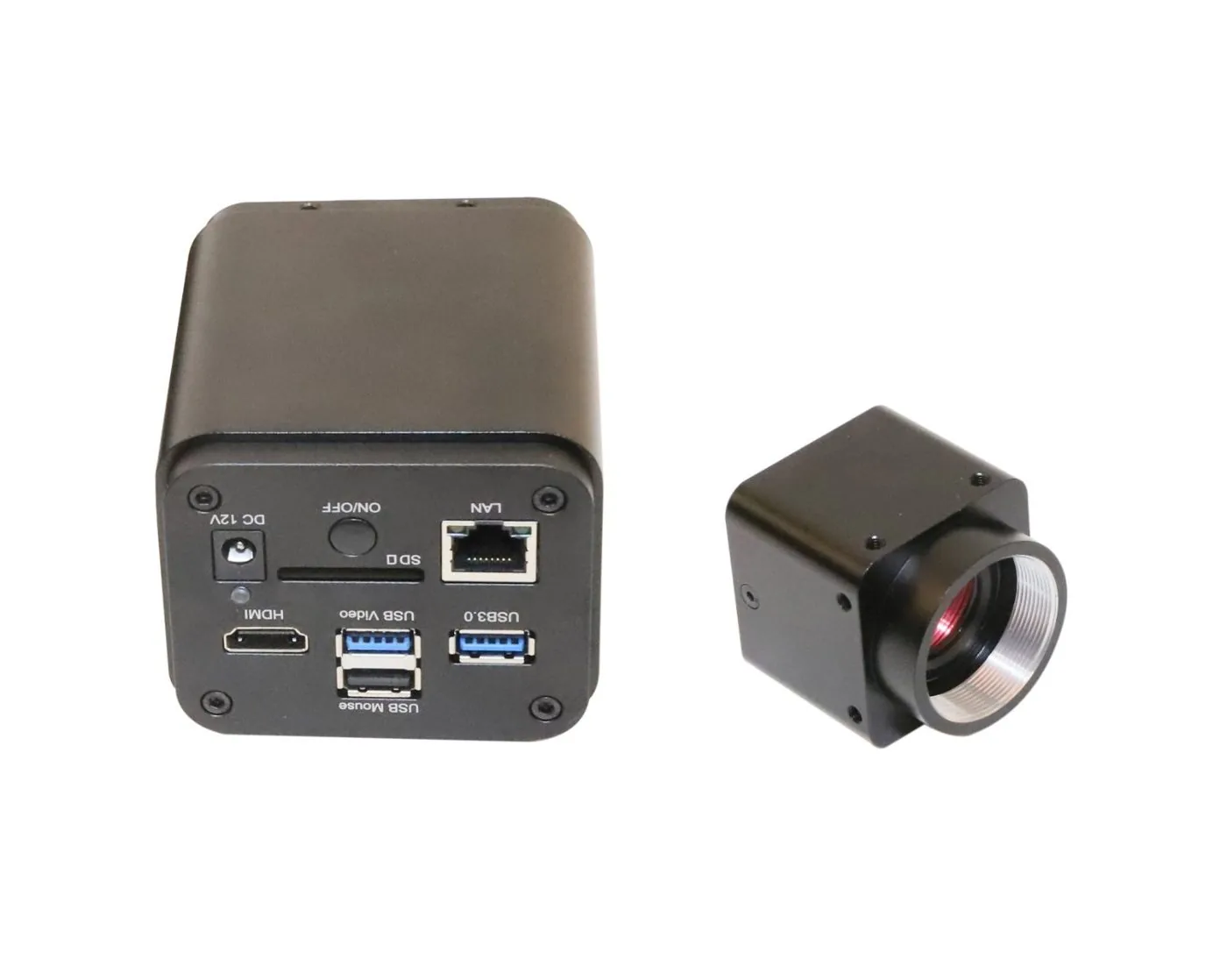
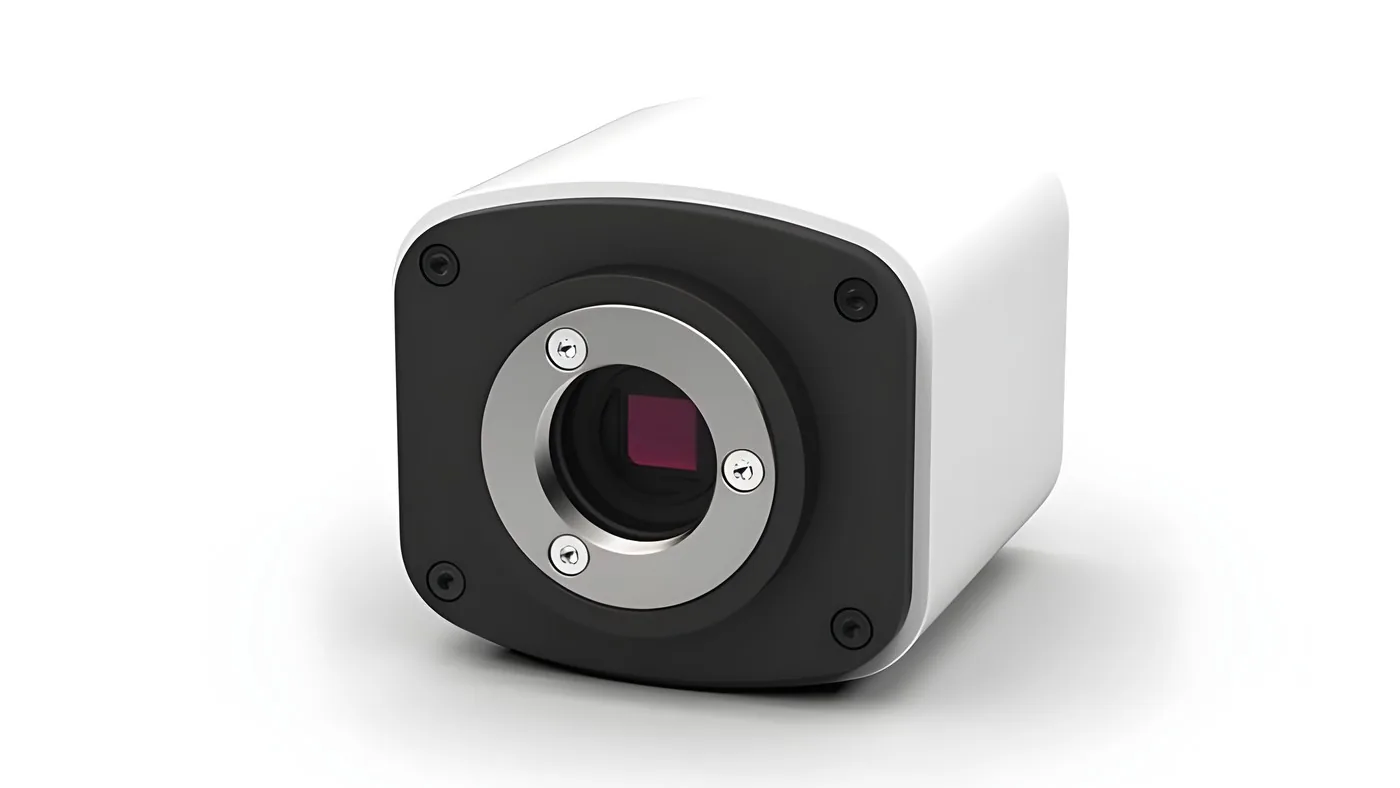
Choose by where the image needs to go. For a monitor or projector without a computer, use the Vega or Vega 4K over HDMI. For a camera with its own touchscreen, use the iVu Touch. For 4K capture and sharing over USB 3.0, HDMI and the network, use the Atlas+ 4K.
READ THE FULL GUIDE How do I connect a camera to my microscope?
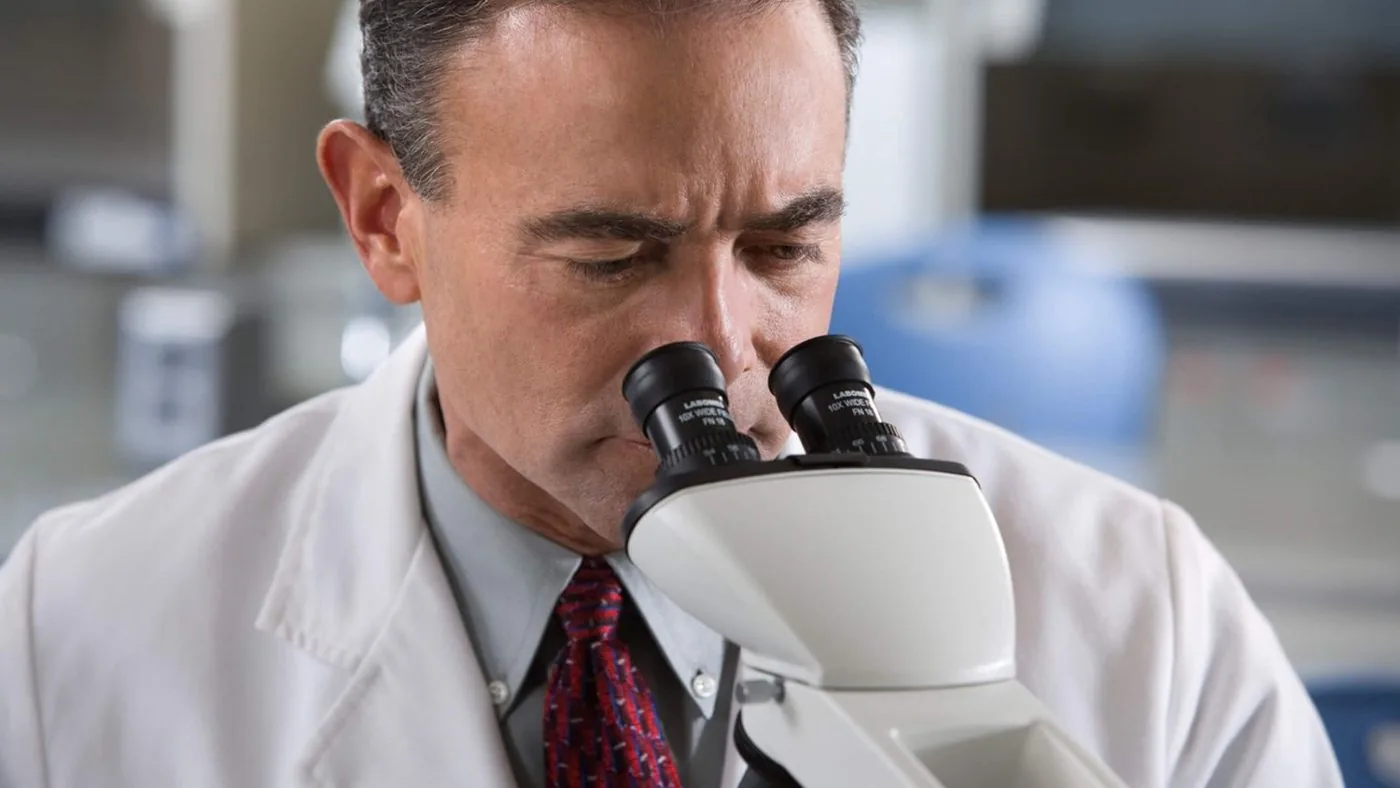
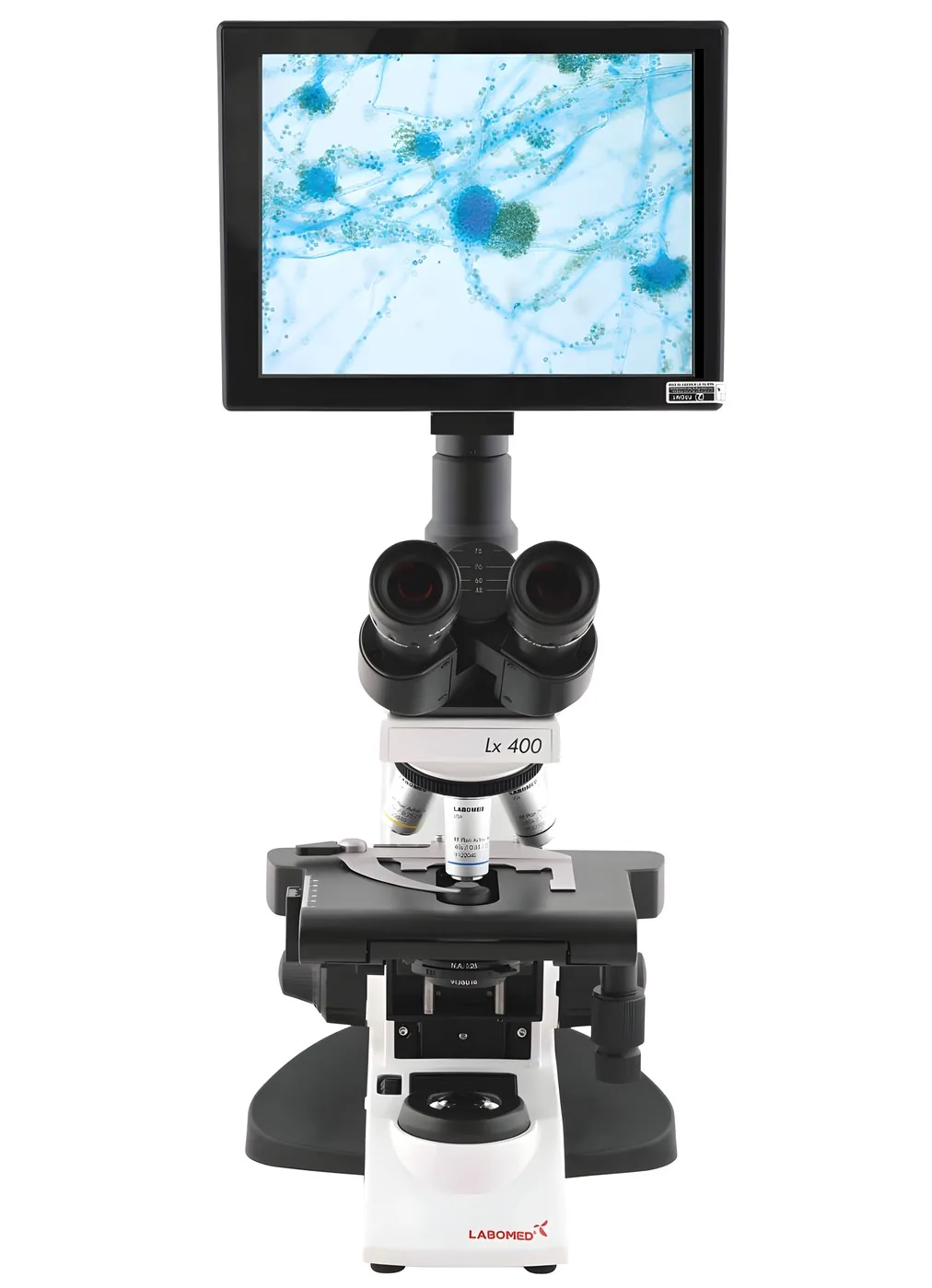
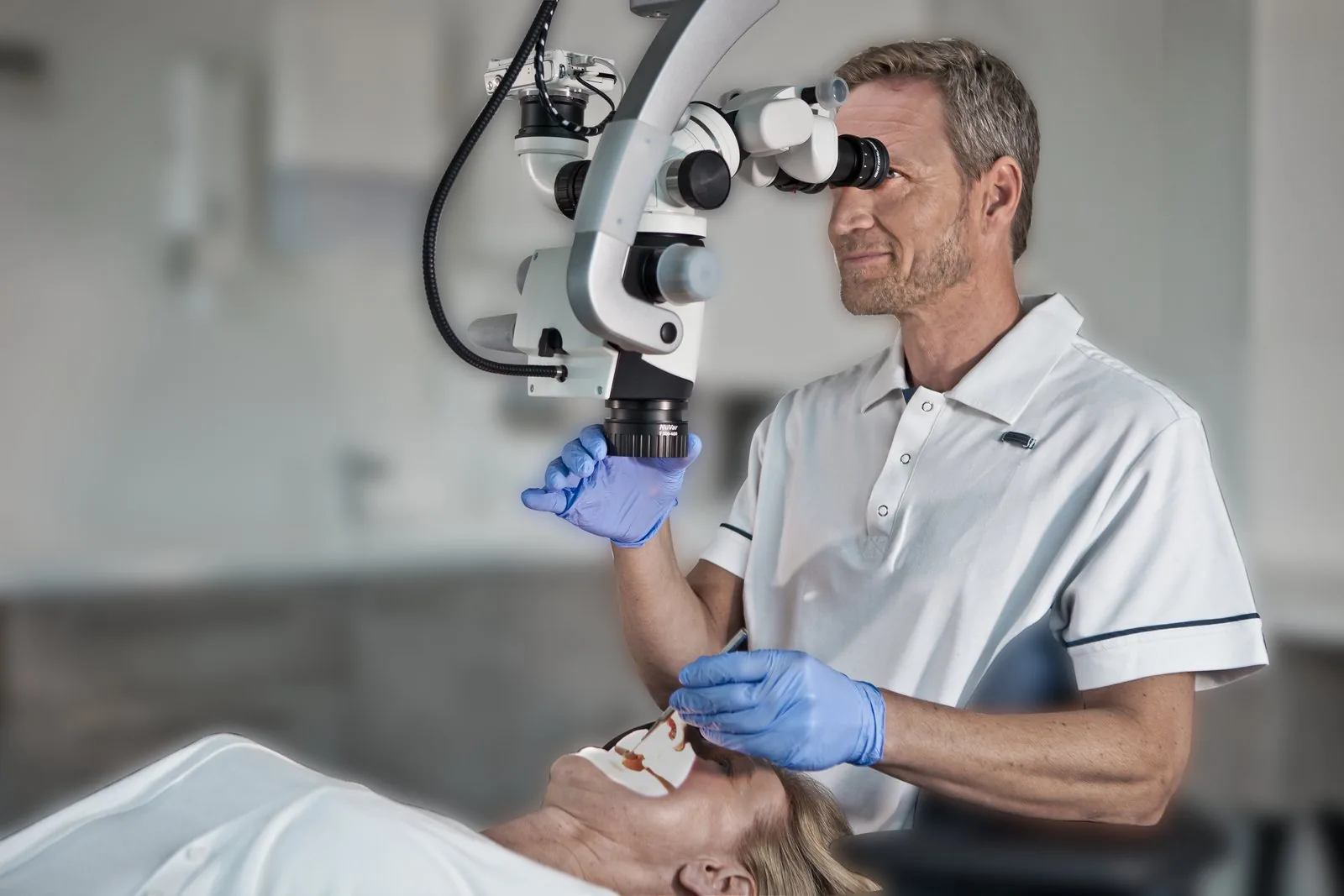
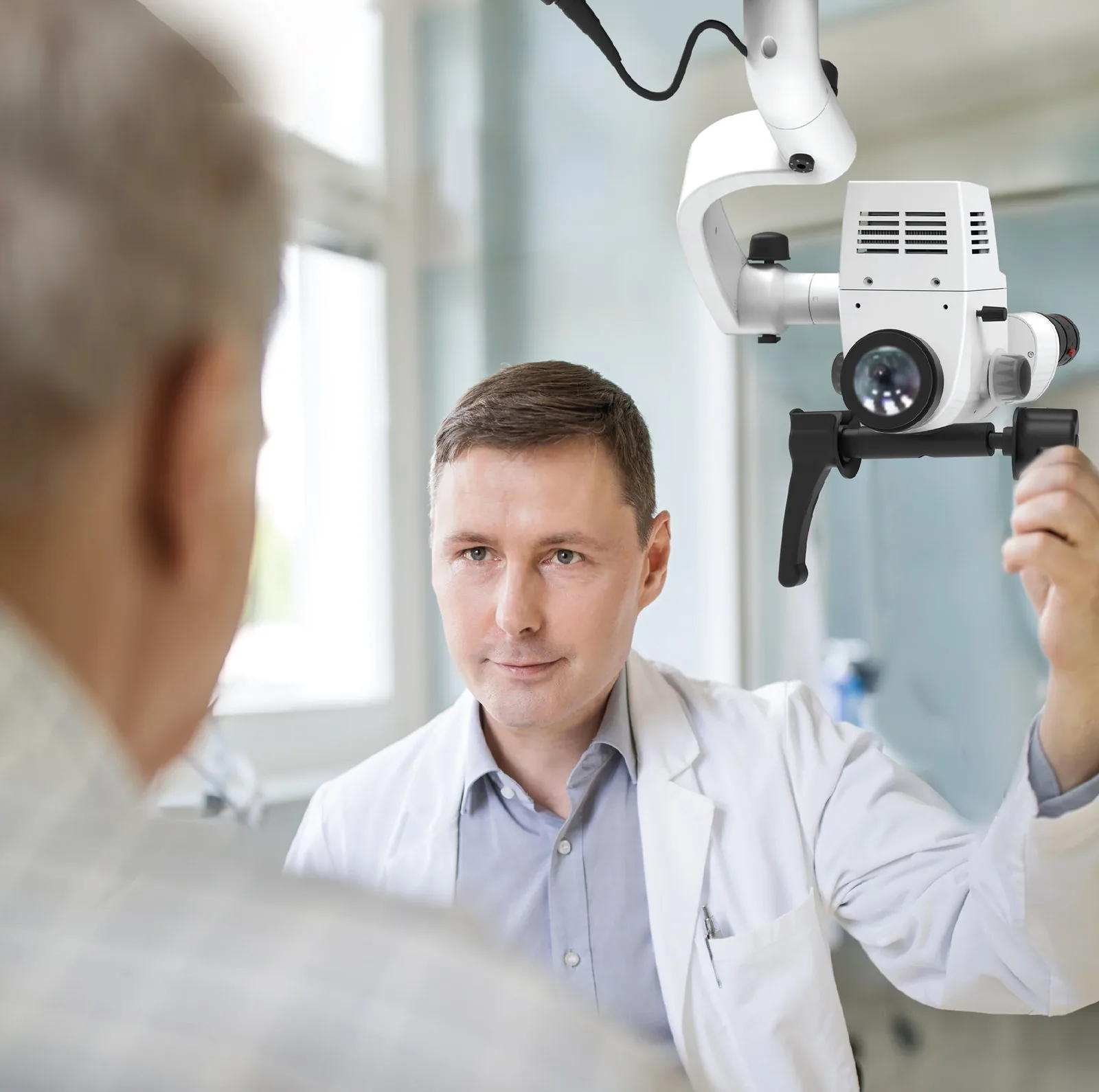
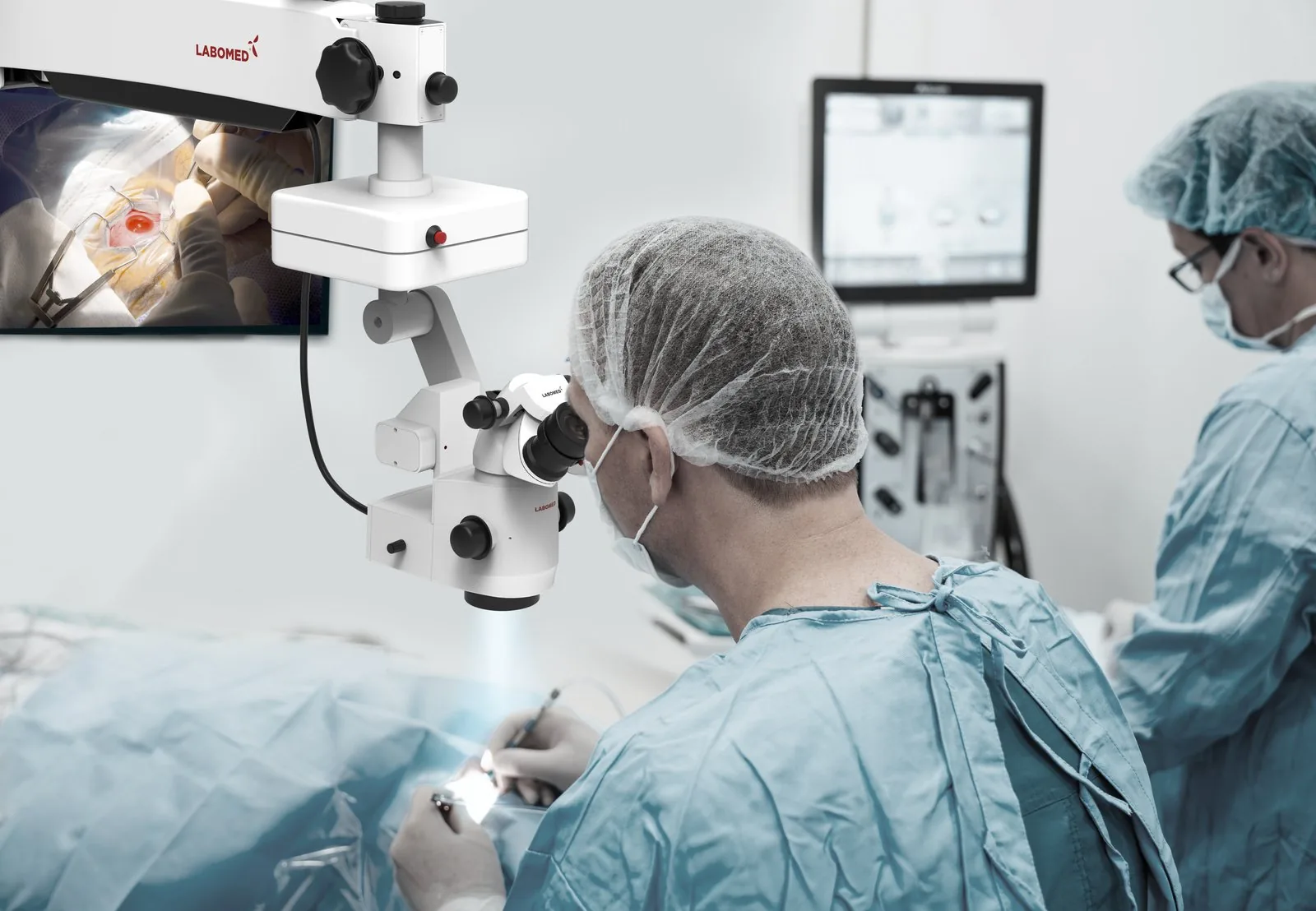
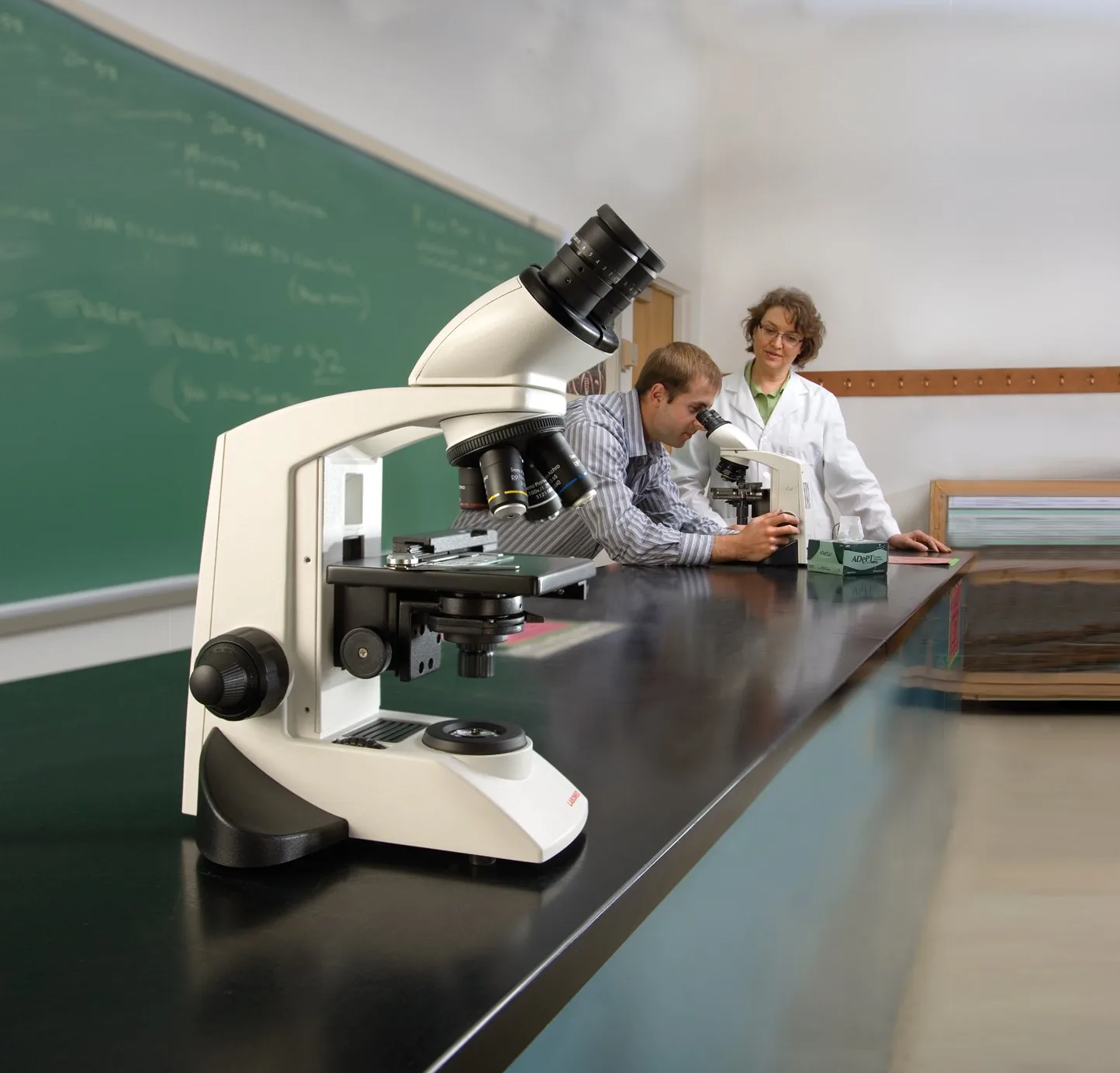
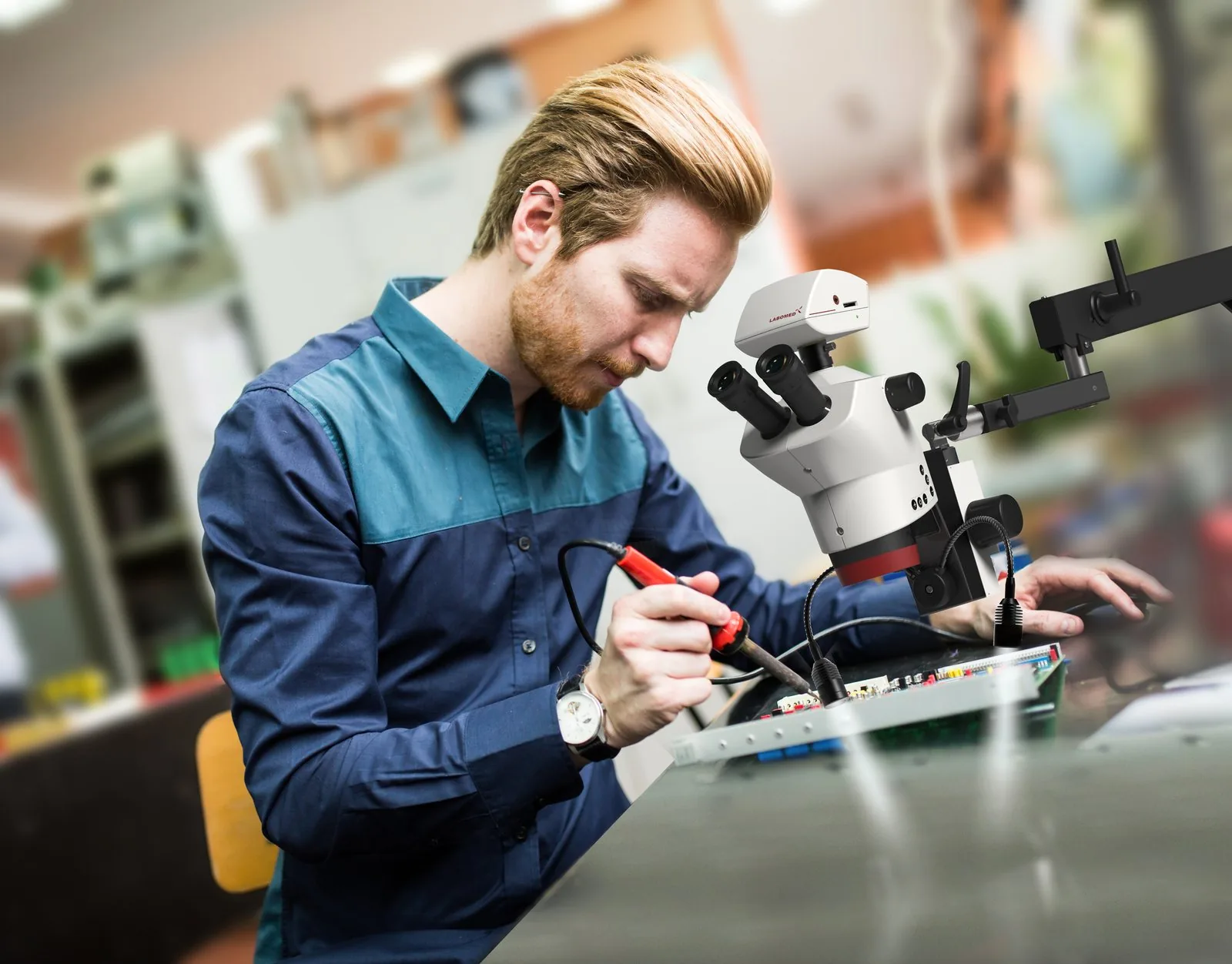
A compound microscope needs a trinocular head with a C-mount adapter. A surgical microscope needs a beam splitter with a camera adapter. A stereo microscope needs a trinocular head or a beam splitter. All three LABOMED® cameras use a C-mount connection.
HDMI or USB camera?
HDMI sends the live image straight to a monitor or projector with no computer, which suits teaching, clinics and quick viewing. USB connects to a computer for software, measurement and storage. The Vega and Atlas+ 4K offer both, plus LAN. The iVu Touch stores to SD card and has its own screen.
Do I need a 4K microscope camera?
Choose 4K when you capture fine detail, crop images later or show the image on a large screen. For routine documentation 1080p is often enough. The Atlas+ 4K records 3840 x 2160 at 30 fps. The Vega 4K uses an IMX485 sensor for 3840 x 2160. The standard Vega shows 1920 x 1080 live with 3264 x 1836 stills.
Which C-mount adapter do I need?
The adapter scales the image to the camera sensor so the picture fills the frame without dark corners. Smaller sensors use lower power adapters. For the Lx, TCM and MET microscopes Labo America offers 0.35x, 0.50x and 0.65x C-mount adapters, and matches the adapter to the camera you order.